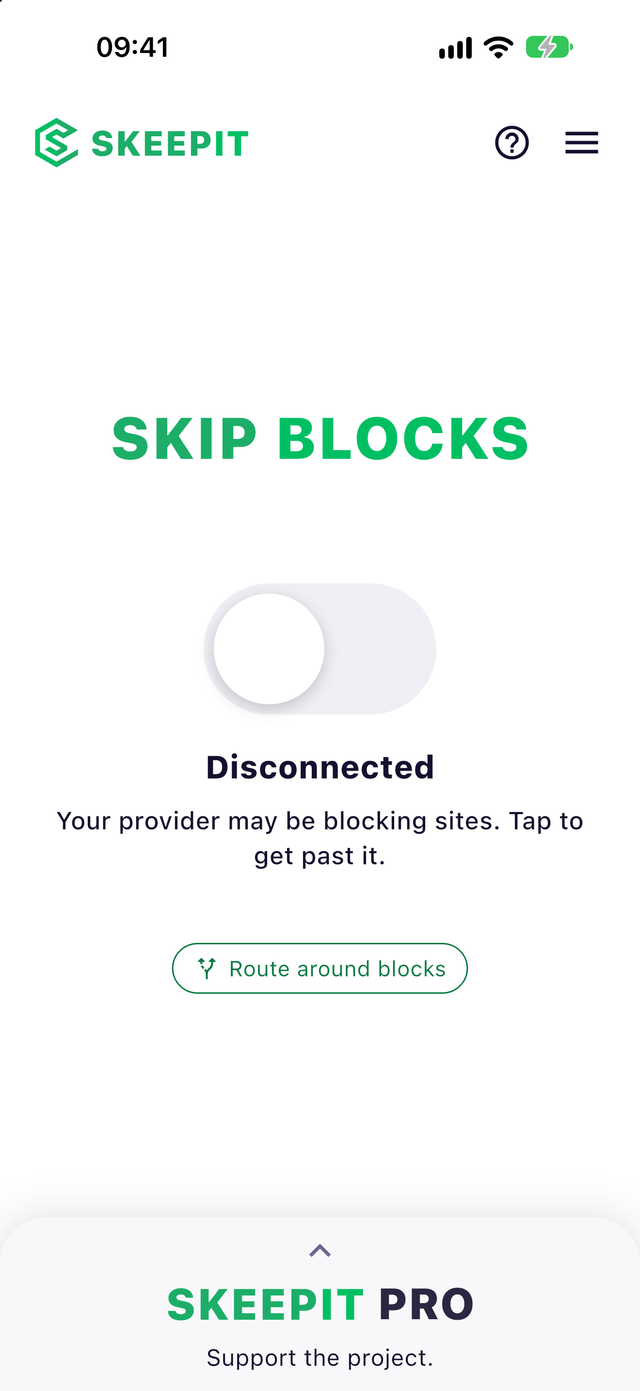
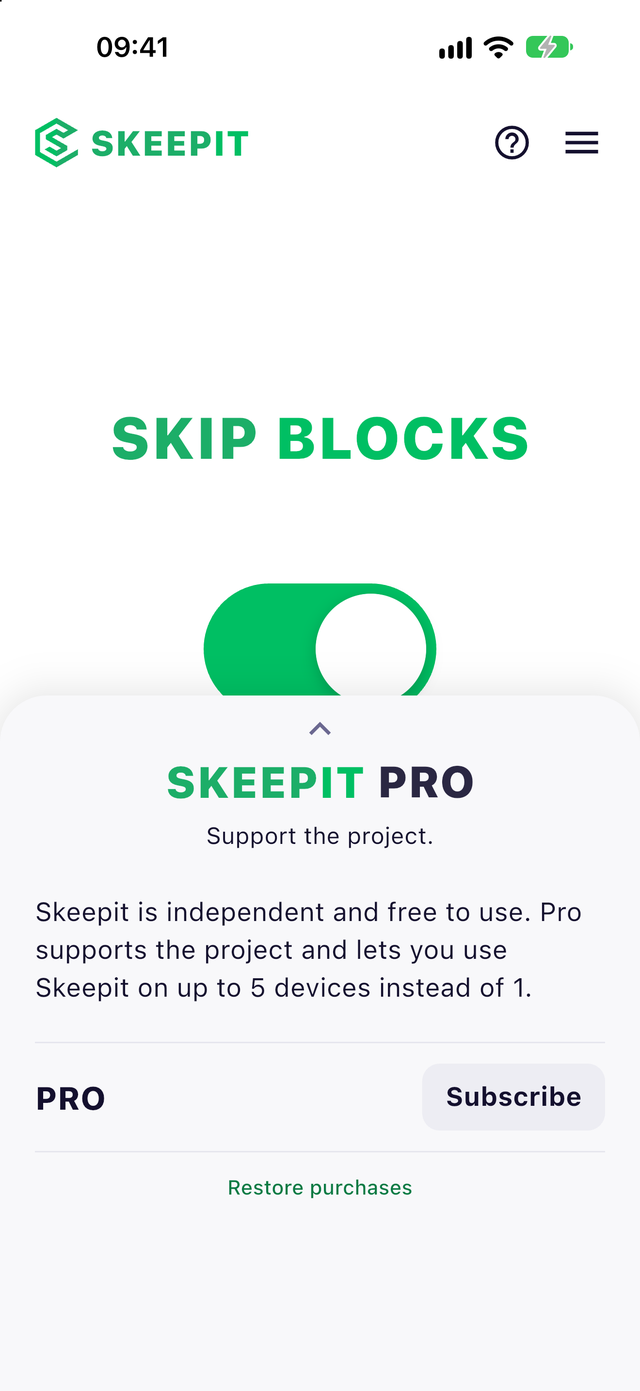
Many internet providers block sites and apps indiscriminately, legitimate ones included. Skeepit is the one-tap fix: it routes around the block so everything opens again.




Providers do not block one site. They block whole addresses and services, and everything that shares them goes down too: sites, apps, games, tools you actually use. You cannot fix it from your phone, and your provider will not.
Skeepit can. It sends your connection around the block through our network, so what was blocked opens like it always should have.
Get Skeepit from the App Store. No account needed.
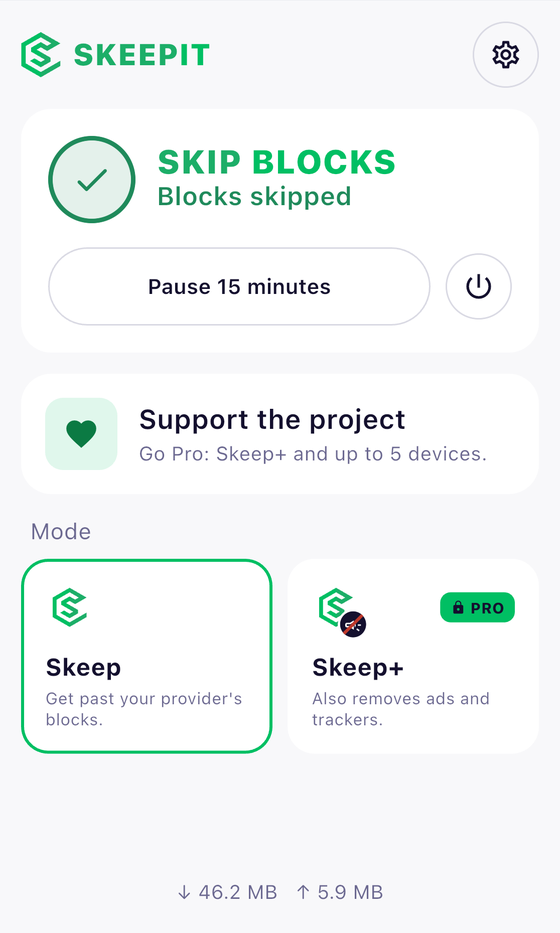
Allow the VPN profile once, then flip the big switch.
Skeepit finds a route your provider does not block and uses it.
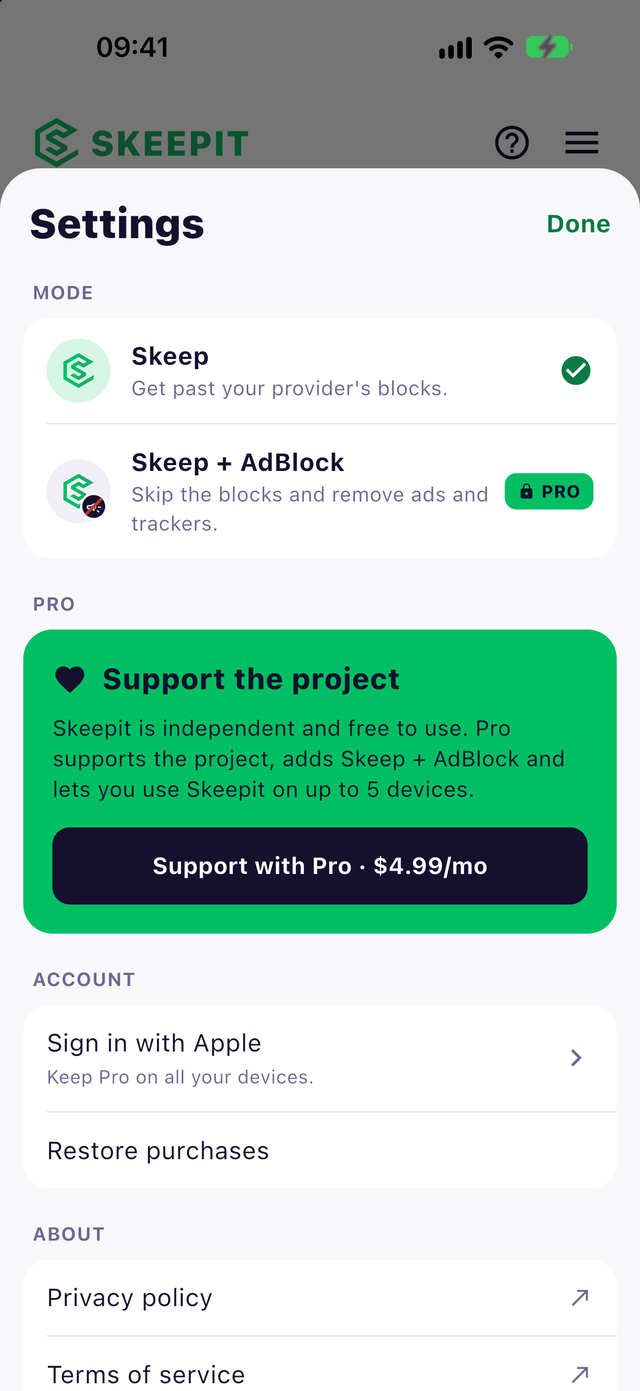
Choose how Skeepit works for you. Skeep gets you past your provider's blocks. Skeep+, the subscription, also removes ads and trackers on every app, without installing anything else.
On Mac, Skeepit is one click away at the top of your screen. Connect, pause for 15 minutes or switch modes without opening a window.
Subscription
Skeepit is independent and free to use. Skeep+ also helps keep it running. The price is shown in the app before you buy.
Getting past a block should not cost you your data. We do not log the sites you visit or sell your data. Read the details in our privacy policy.
Many internet providers block sites and apps indiscriminately, often taking down legitimate ones along with whatever they were aiming at. It is done at the network level, so nothing is wrong with your device or with the site.
It routes your connection around your provider's blocks through our network, so the sites and apps they block open again. You flip one switch and that is it.
Yes. Skeepit installs a VPN profile on your device and sends your connection through our network using WireGuard, a modern and audited protocol.
The upgraded mode, available with the Skeep+ subscription. On top of skipping blocks, it removes ads and trackers on every app by resolving domains through our filtering DNS. One switch in the app.
No. We do not log the sites you visit or your traffic. We only keep anonymous daily counters, like how many connections were made.
Skeep+ removes ads and trackers and lets you use Skeepit on up to 5 devices instead of 1. It is an auto-renewing subscription in the app; cancel any time in your Apple subscription settings. Skipping blocks is free for everyone.
iPhone, iPad and Mac. Free covers 1 device; Skeep+ covers up to 5.
VPNs are legal in most countries, but some restrict them. Check the rules where you are before using Skeepit.